Uninstall the client software
This section describes how to uninstall the installed YubiOn FIDO Logon client software (macOS version).
Operation Procedure
- Start the configuration tool.
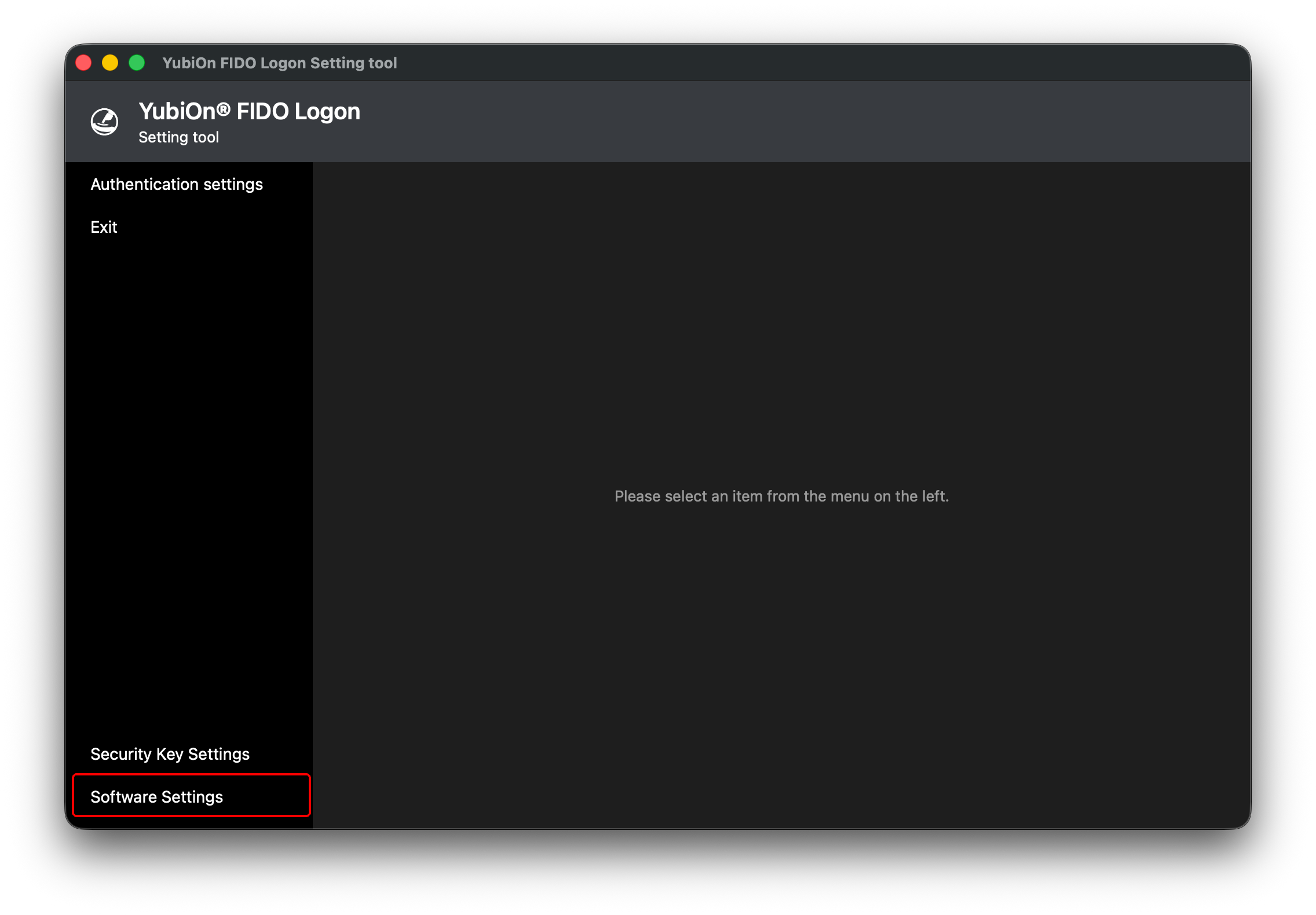
- Click “Software Settings”.
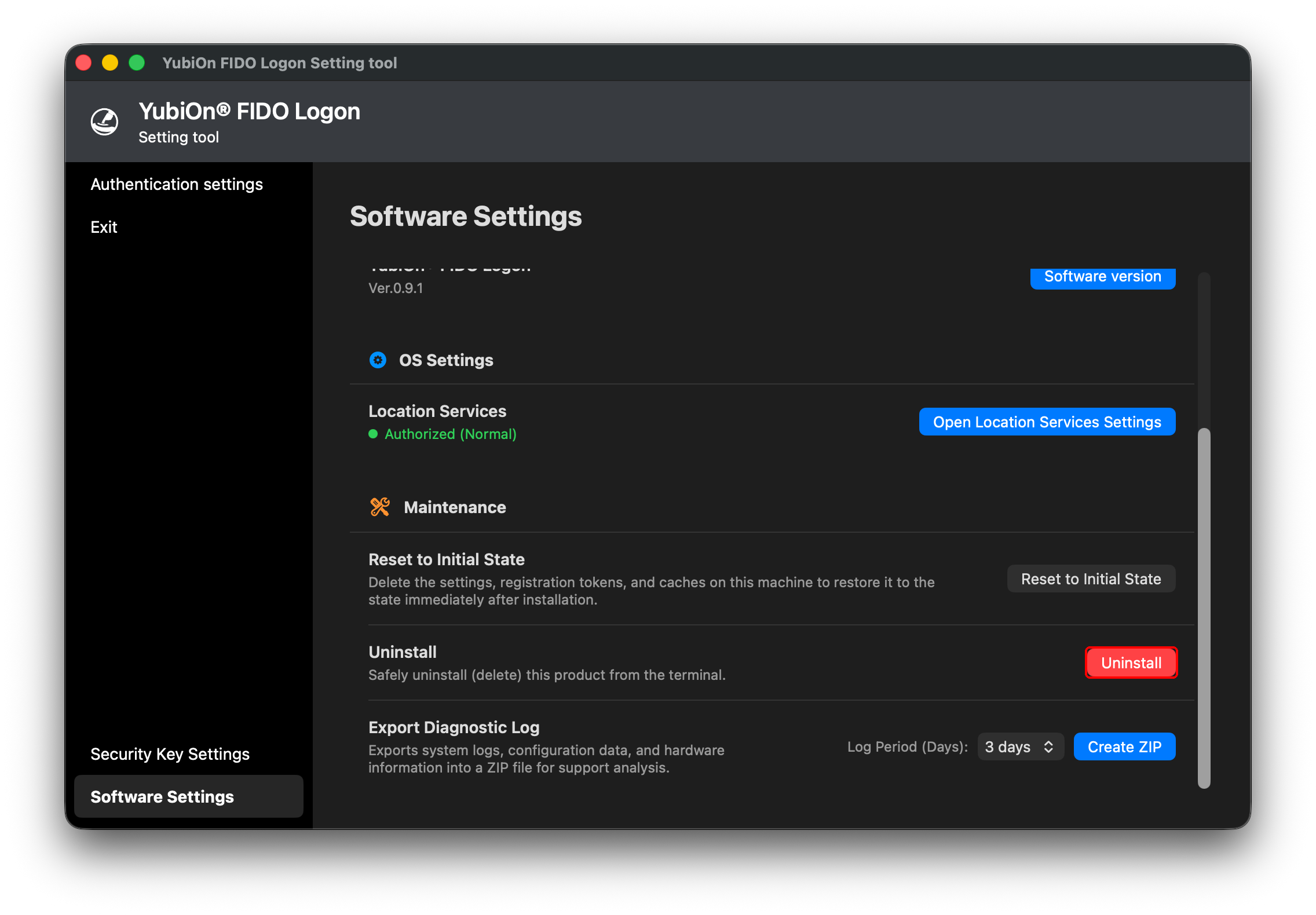
- Click “Uninstall”.
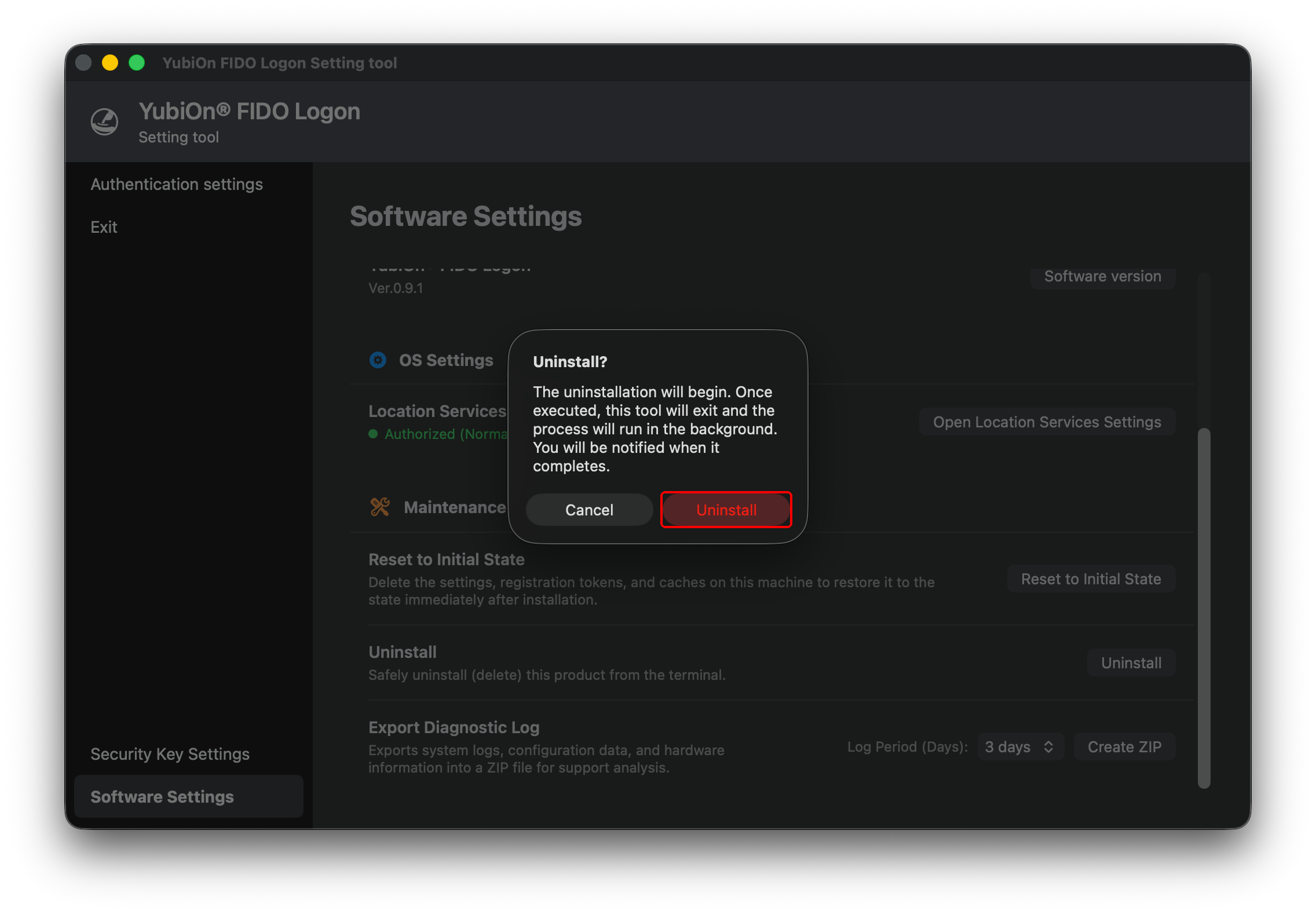
- In the confirmation pop-up, click “Uninstall”.
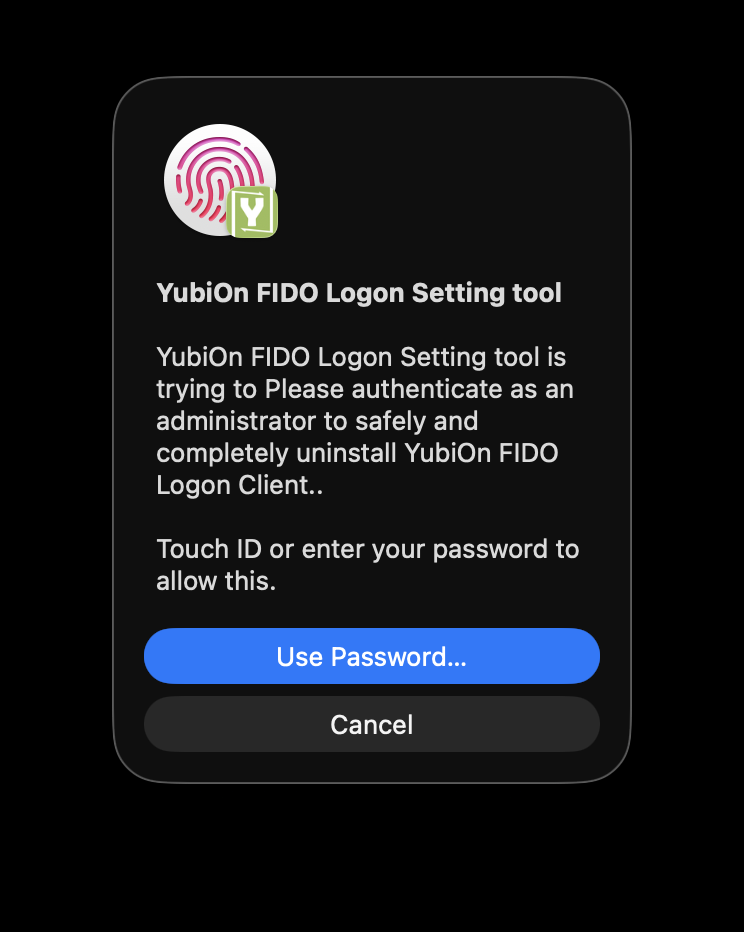
- You will be asked for administrator privileges. Follow the on-screen instructions.
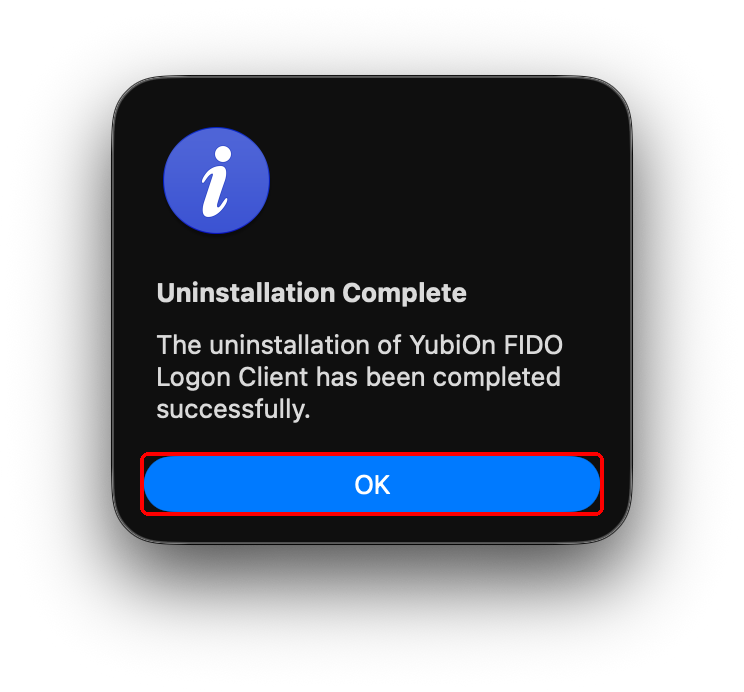
- When the uninstallation complete screen is displayed, the uninstallation is complete.
If uninstallation is prohibited
If your organization’s settings prohibit uninstallation, this operation cannot be performed.