Emergency Logon
If “Emergency Logon” is allowed by your organization’s settings, you can log on to your Mac using only your password, without FIDO authentication, within a certain period of time.
What is Emergency Logon
This is a mechanism that allows you to log on with only your password, within a period allowed by your organization, even in situations where FIDO authentication cannot be performed, such as when a security key is lost or broken.
Operation Procedure
- On the logon screen or lock screen, if emergency logon is enabled, a password entry field is displayed.
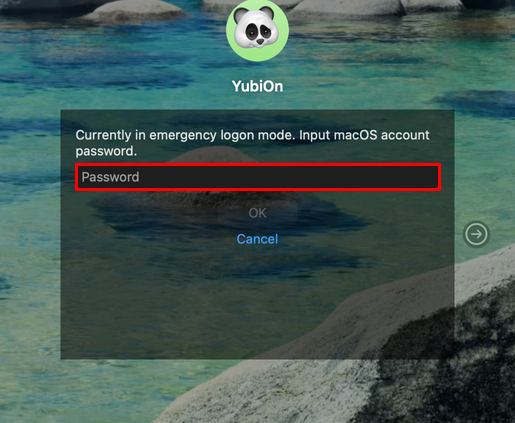
- Enter your password to log on.
Availability and duration depend on your organization
Whether emergency logon is available, and for how long, depends on your organization’s settings. Please contact your organization’s administrator for details.