Reset Security Key
This section explains how to initialize (reset) a FIDO2 security key back to its factory default state.
Important Notice Before Resetting
Resetting the security key will permanently erase all PINs, enrolled fingerprints, and credential keys (including logon data) stored inside the key.
Erased data cannot be recovered. If you reset a security key used for PC logon, you will need to register the authenticator again.
Steps to Reset the Security Key
- Open the “Security Key Settings” screen in the configuration tool, and connect the security key you wish to reset (for details on opening the screen, see Check Security Key Information).
- In the “Initialization” group at the bottom of the screen, click the “Reset Security Key” button.
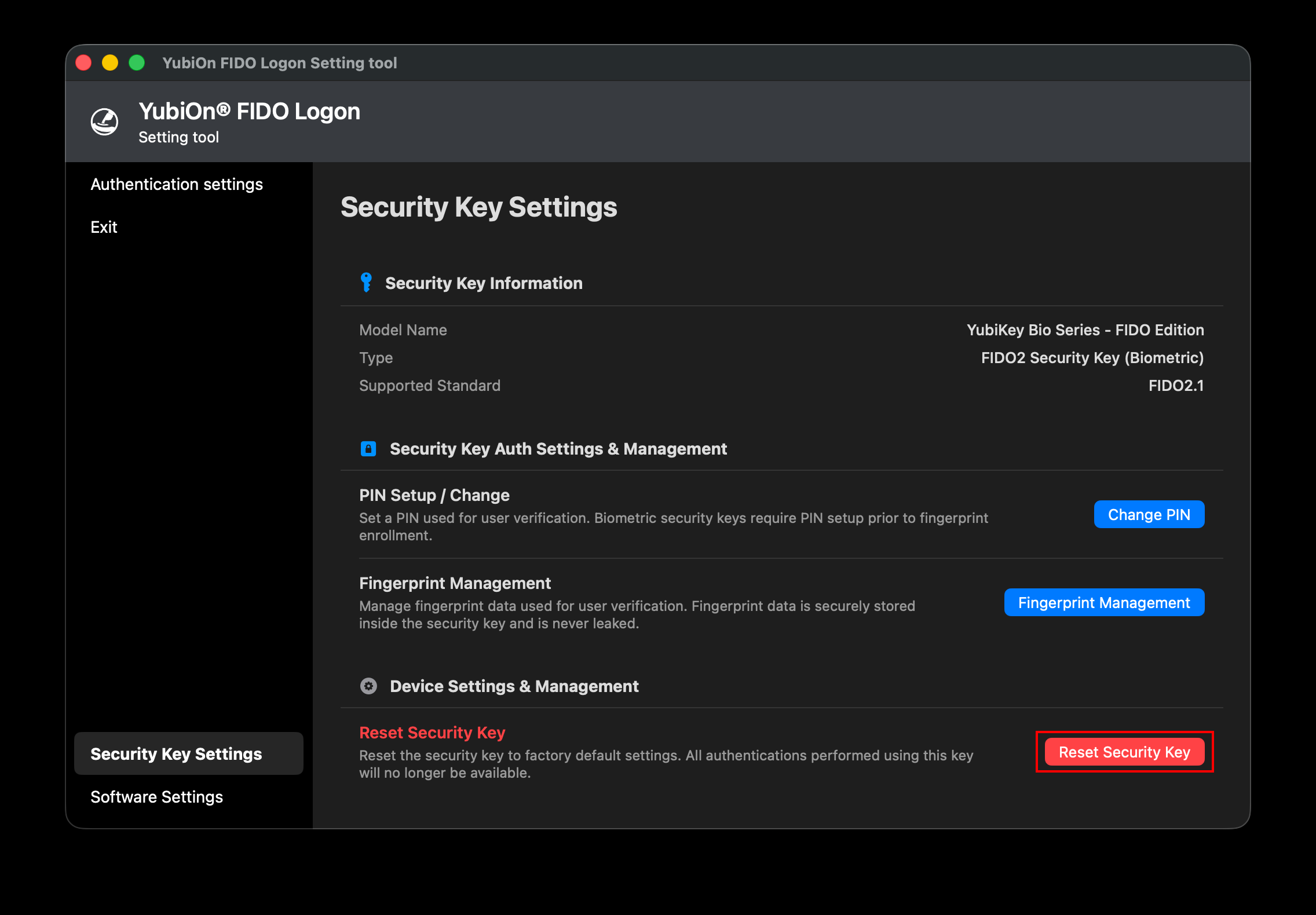
- A confirmation dialog appears. Review the warning message and click “Reset Security Key”.
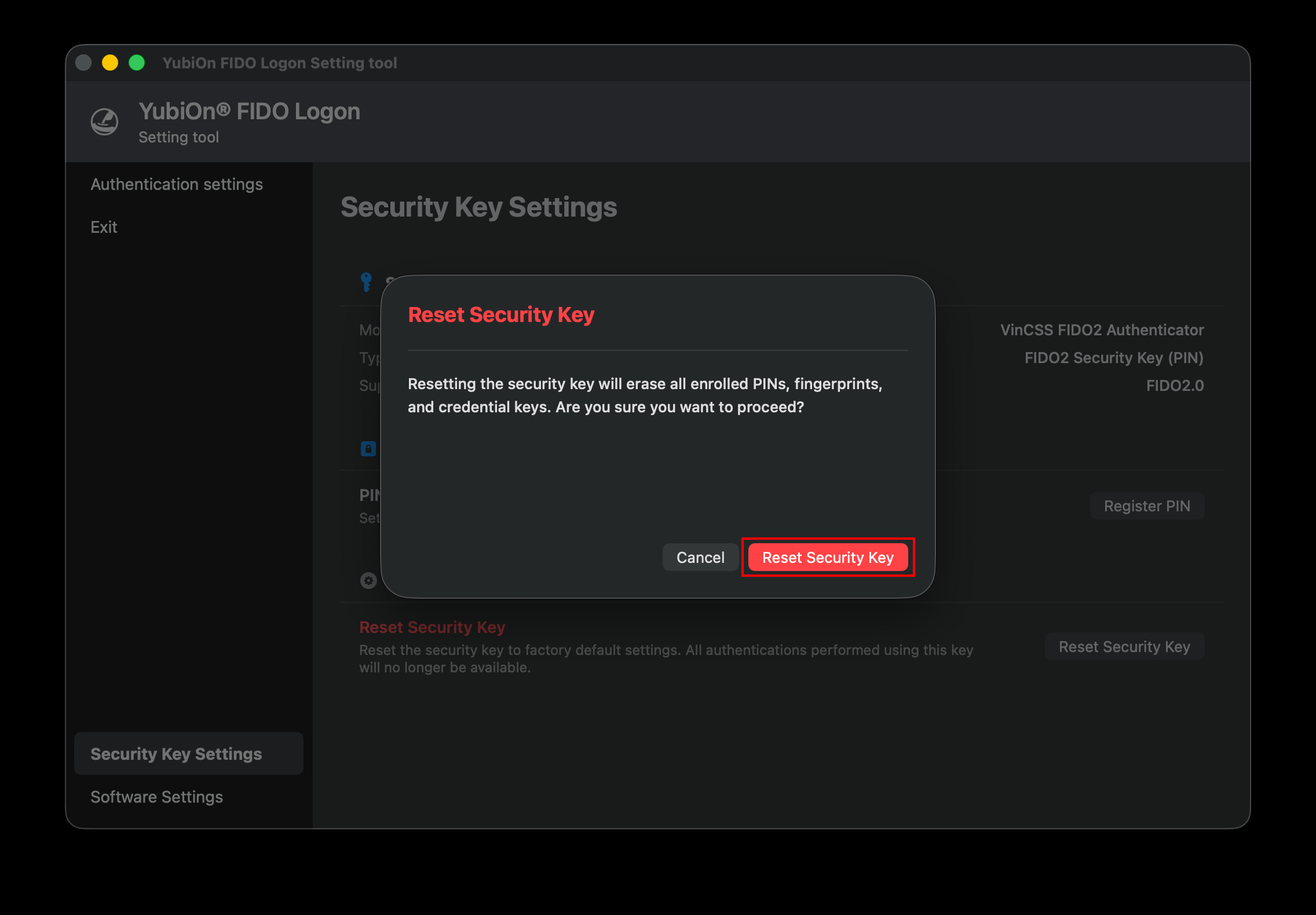
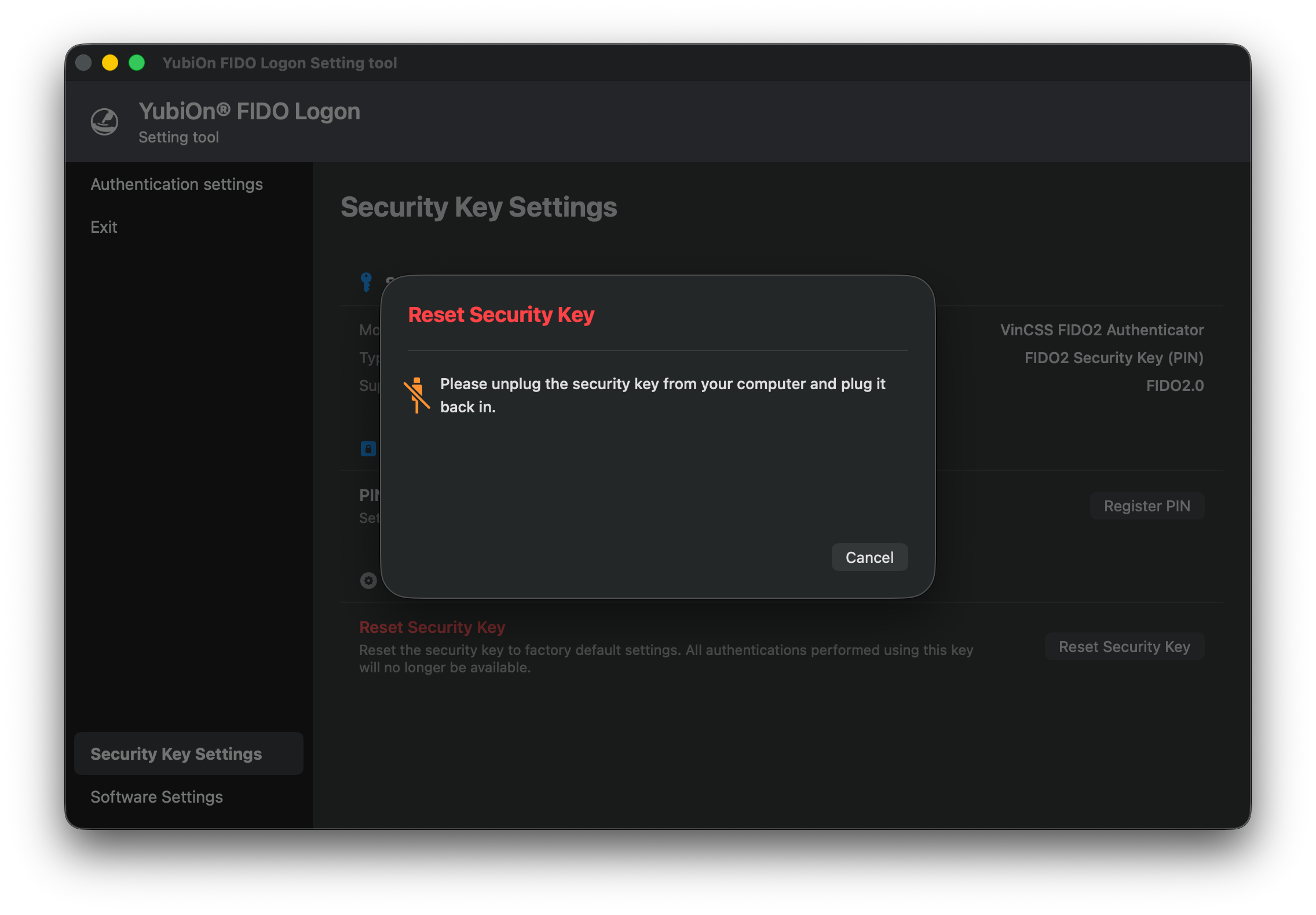
- The message “Please unplug the security key from your computer and plug it back in.” is displayed. Unplug the security key from your Mac’s USB port and plug it back in.
- After plugging the key back in, the message “The security key light is flashing. Please touch the button/sensor.” appears. Touch (or long-press) the button/sensor on the flashing security key.
- Under FIDO safety specifications, you must touch the key within approximately 10 seconds after plugging it back in.
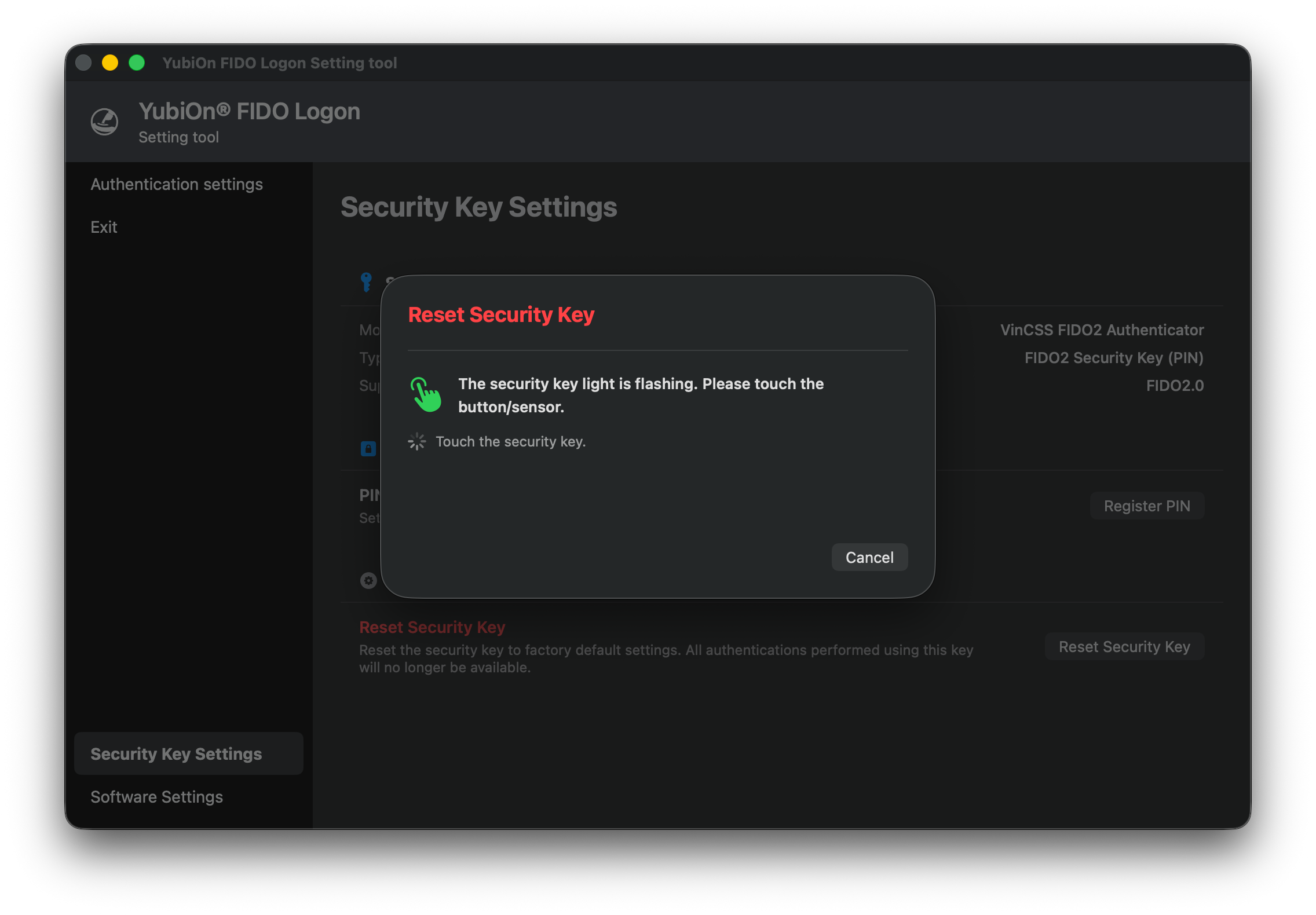
- Under FIDO safety specifications, you must touch the key within approximately 10 seconds after plugging it back in.
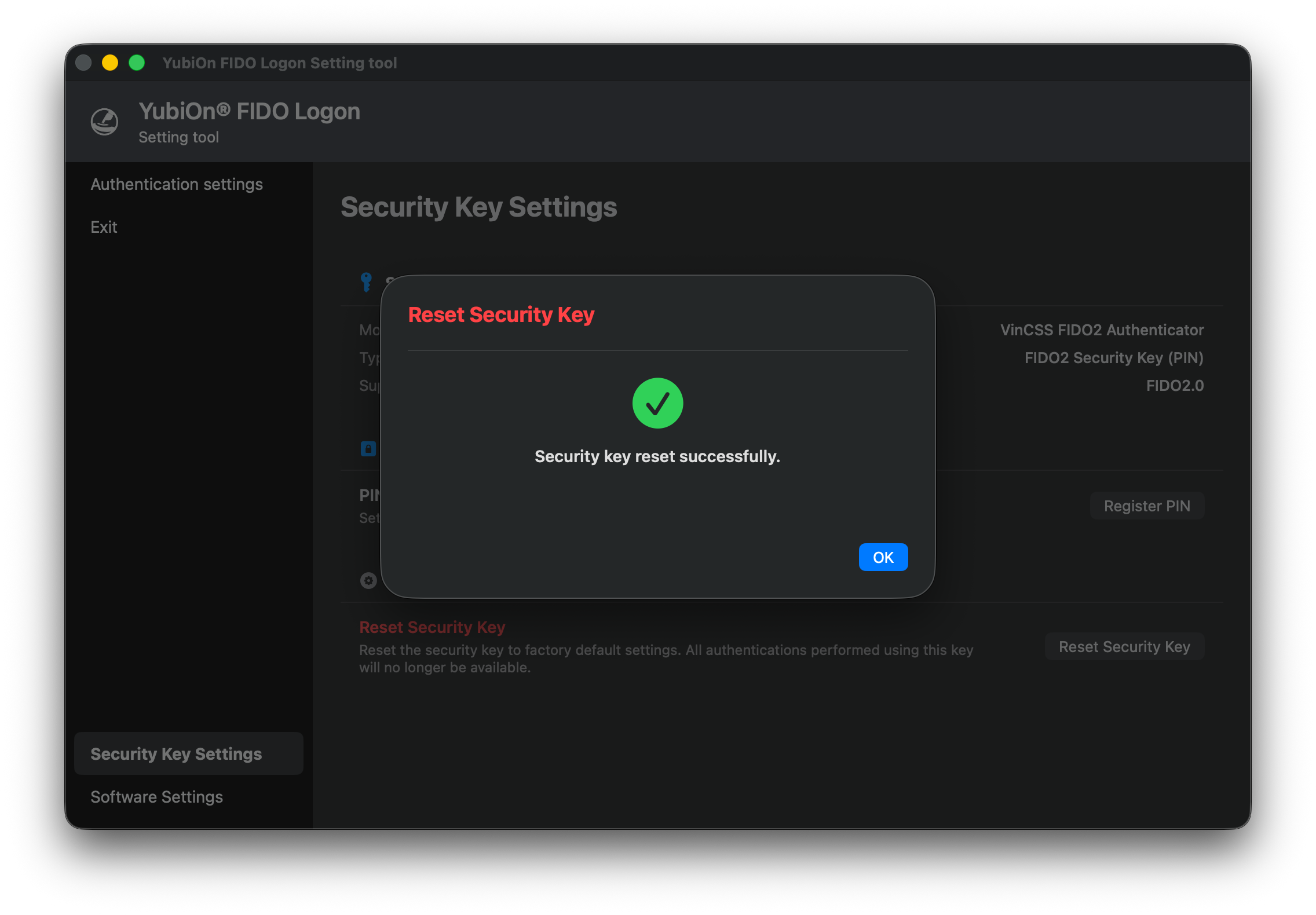
- Once the reset process is complete, “Security key reset successfully.” is displayed. Click “OK” to finish.
Notes and Restrictions
Restriction When "Screen lock when authenticator is removed" Is Enabled
In an environment where the policy setting “Screen lock when authenticator is removed” is enabled, the “Reset Security Key” button is disabled and cannot be clicked for the security key that was used for the current logon or screen unlock.
This is because resetting the security key requires unplugging and replugging the key, but unplugging this key will trigger a screen lock.
If you need to reset that key, temporarily disable the screen lock policy setting or perform the operation after logging on with a different authenticator.