Logon with security key
This section describes how to log on to a Mac using a FIDO security key.
Operation Procedure
- On the logon screen or lock screen, connect the FIDO security key to a USB port on your Mac.
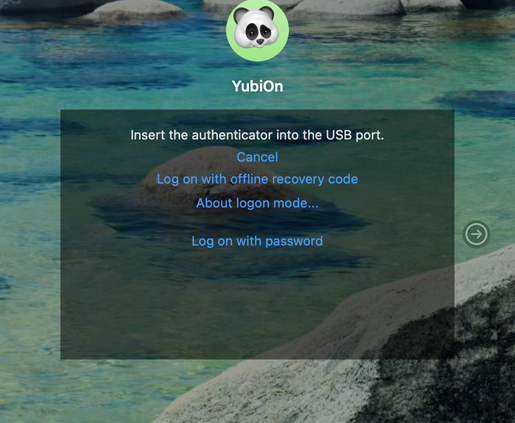
- If a PIN is set on the security key, a PIN entry screen is displayed. Enter the PIN to proceed with authentication.
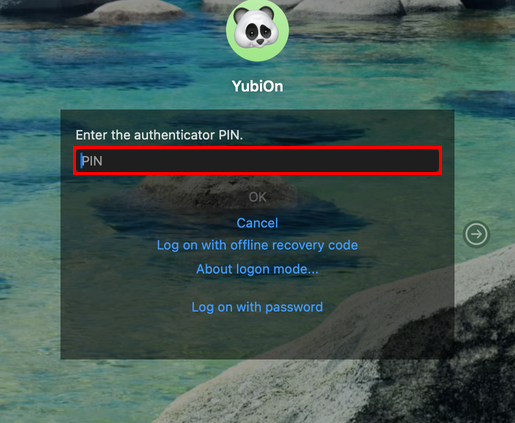
If setting or changing a PIN is required
If no PIN is set, or if your organization’s settings require a PIN change, setting or changing the PIN is guided within this same screen.
- The screen displays instructions to connect and touch the security key. Follow the instructions and touch the key.
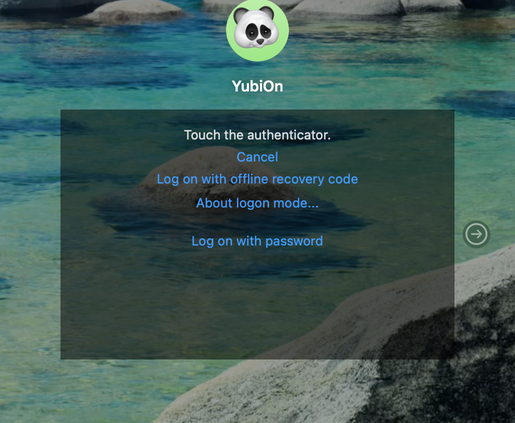
About logon mode
Clicking the “About logon mode…” link shown on the authentication screen lets you check the current logon mode. There are two logon modes: “Server”, which authenticates with FIDO2Server in the cloud, and “Cache”, which authenticates using the cache inside your Mac. See Logon mode for details.
- Enter the password of the macOS account and click “OK”.
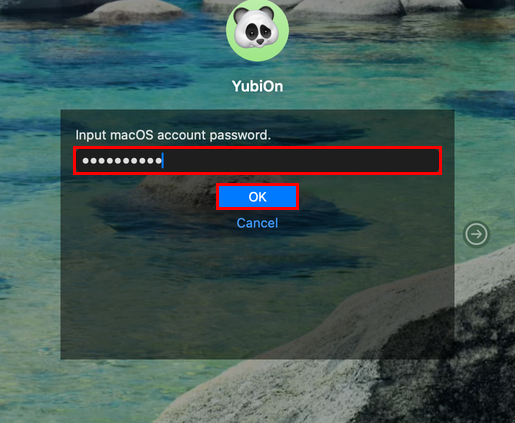
About saving the password
If you are using a FIDO2-enabled key such as one with a PIN or biometrics, the macOS account password you enter is securely stored by the FIDO2 function and does not need to be entered again from the next time on. If you change the password of the macOS account, you will need to enter it again.
- Once authentication succeeds, the desktop is displayed.