Delete authenticator
This section describes how to delete a registered authenticator (such as a security key).
A deleted authenticator can no longer be used to log on with FIDO Logon.
Operation Procedure
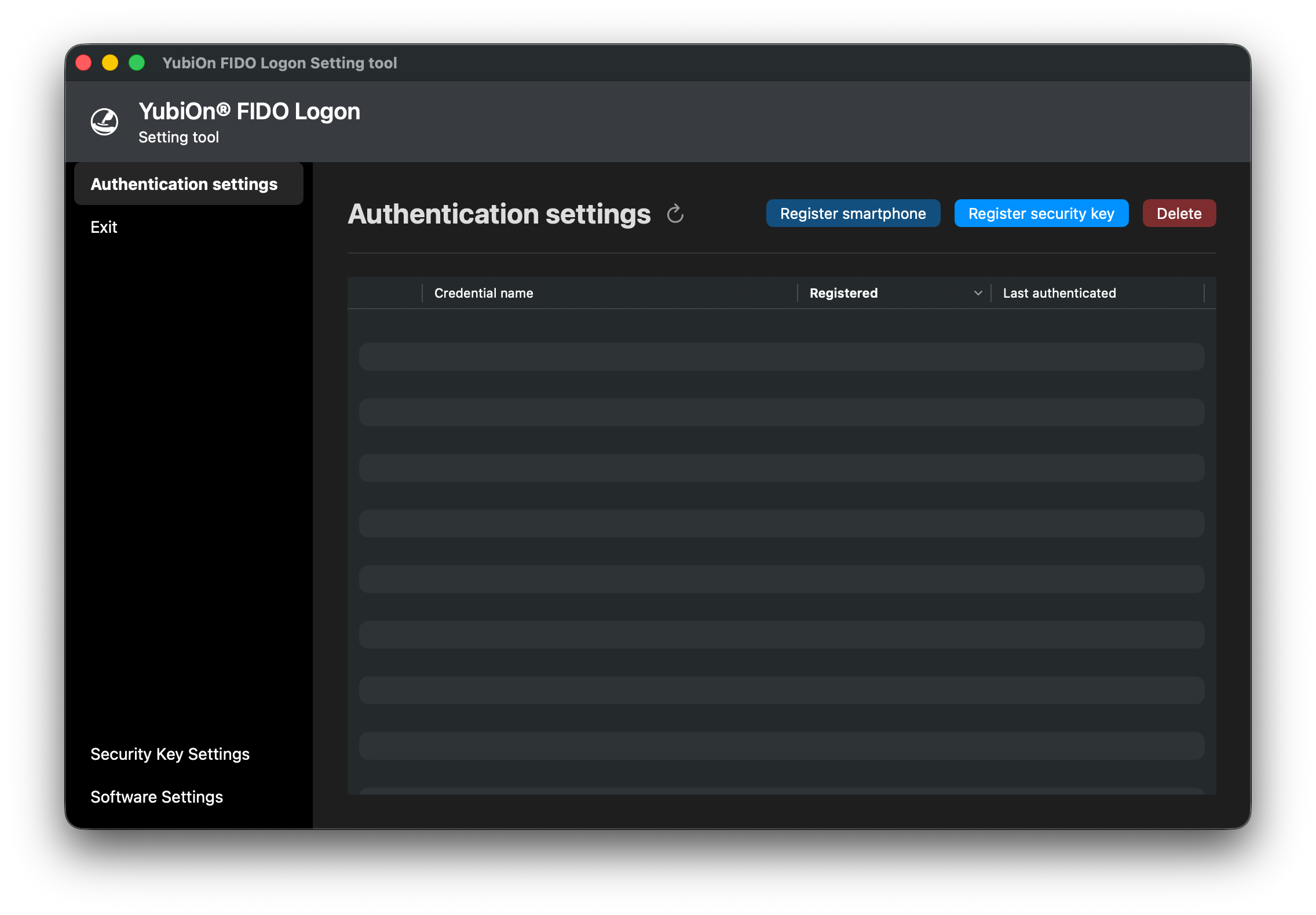
- Start the configuration tool and open the authenticator list screen.
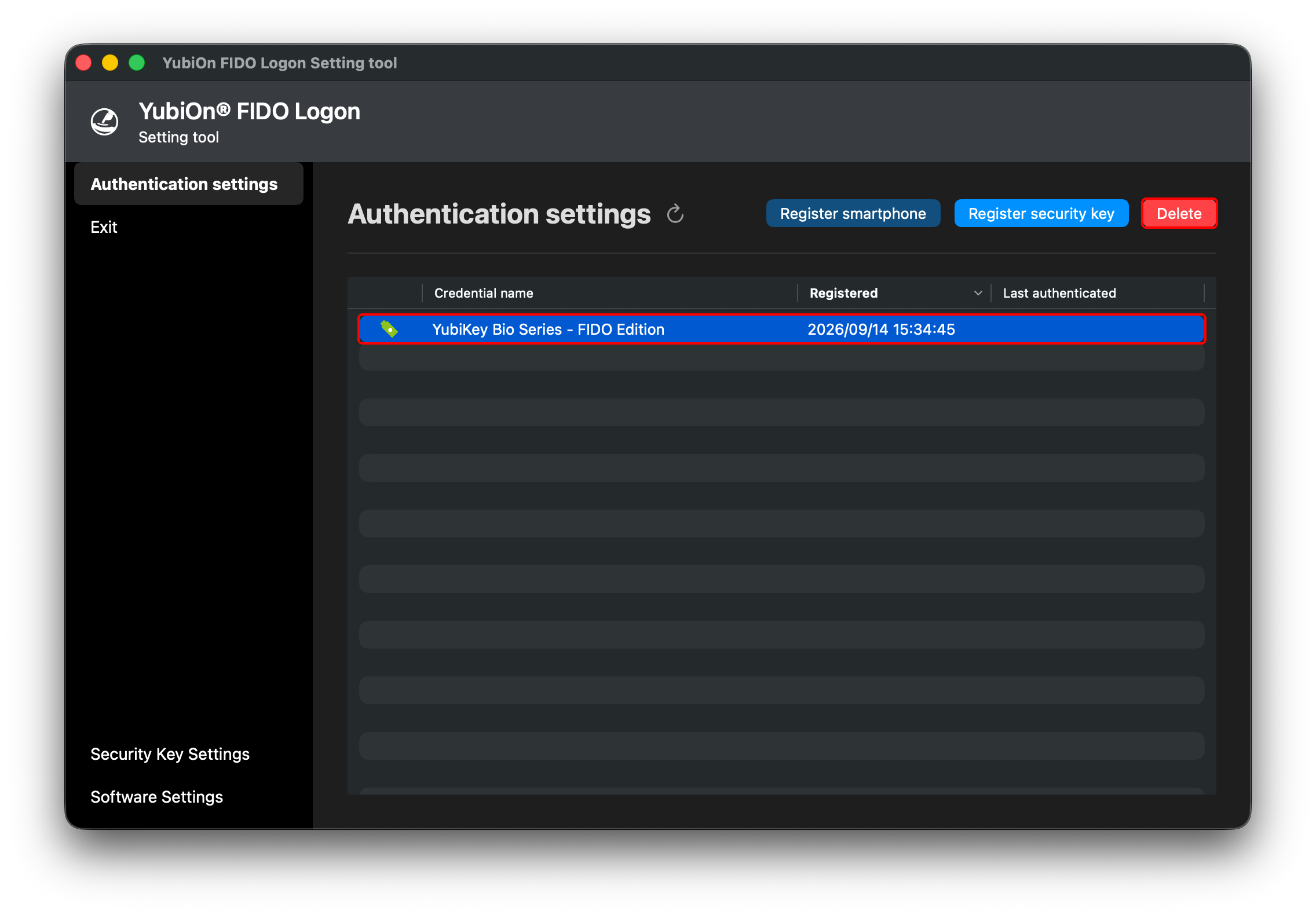
- Select the row of the authenticator you want to delete.
- Click “Delete”.
Authenticators that cannot be deleted
If your organization’s settings do not allow deletion of an authenticator, “Delete” cannot be selected for it.
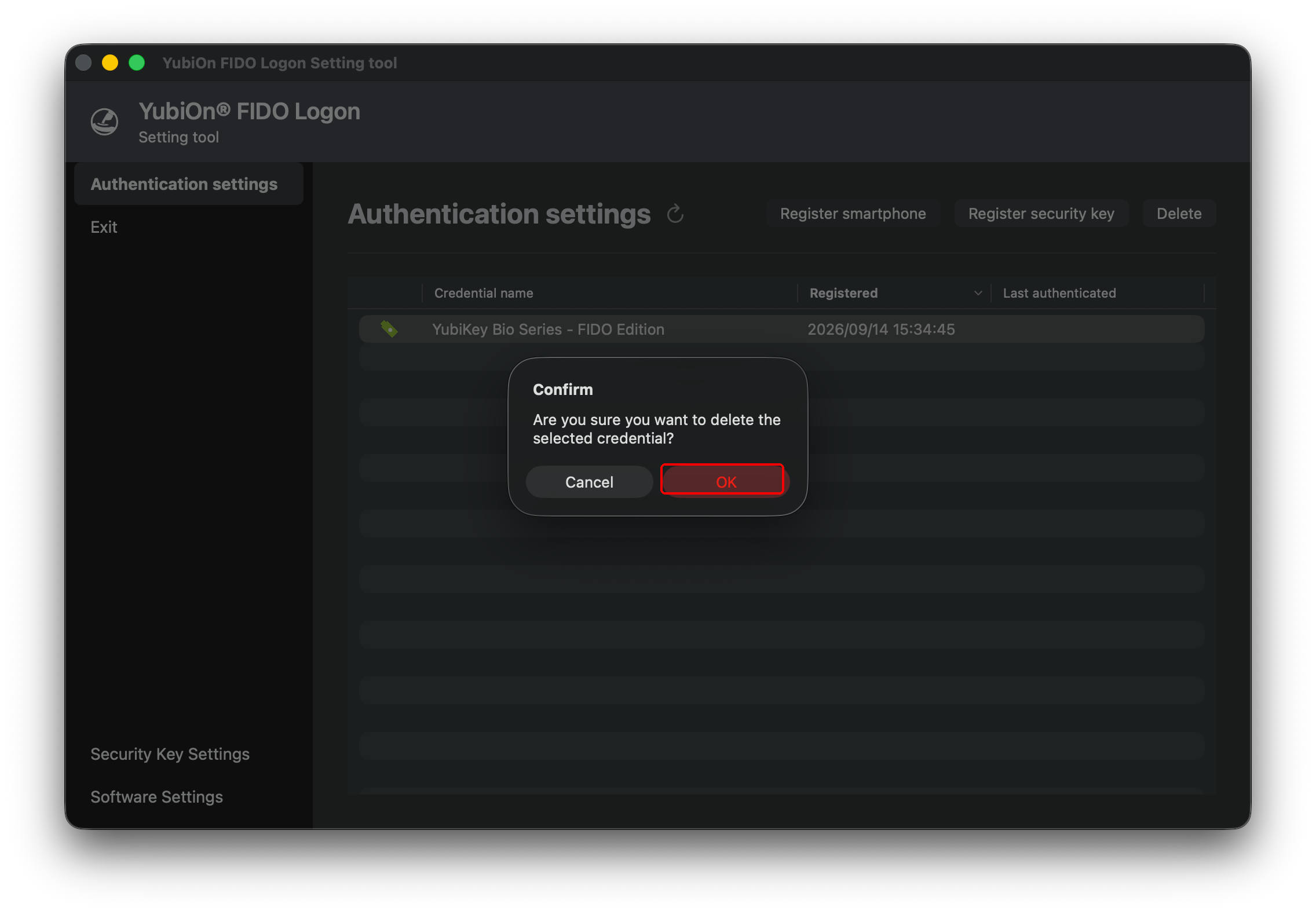
- When the confirmation message “The selected credential will be deleted. Are you sure?” is displayed, click “OK”.
- When the message “The credential was deleted successfully.” is displayed, click “OK”.
Confirm that the target authenticator has been removed from the list.