Smart logon to PC with passkey
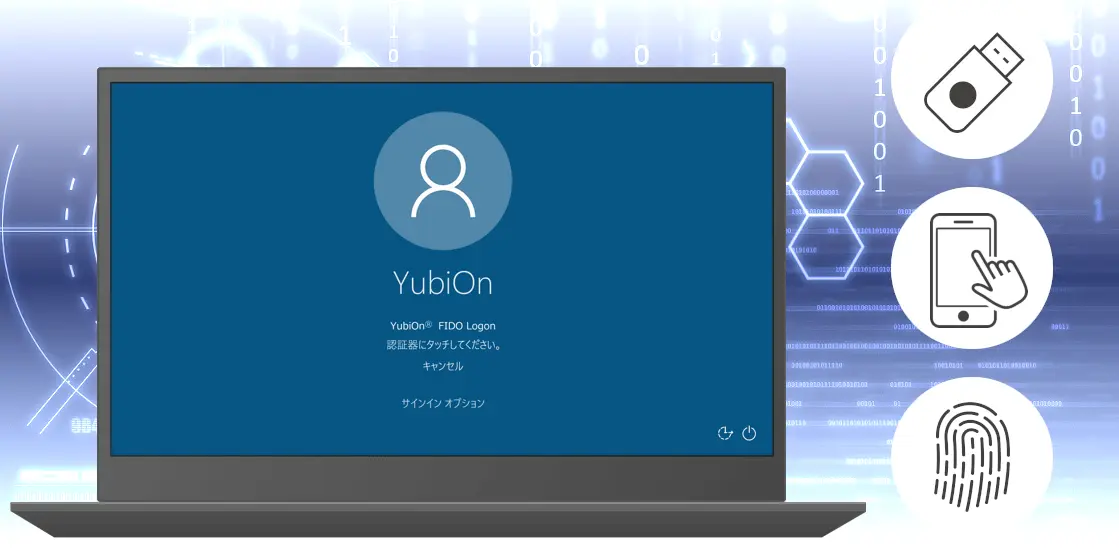
YubiOn FIDO Logon is a security service that uses FIDO, the most advanced security technology.
It can be installed with a simple setup to enhance logon security of PC terminals.

News
What's YubiOn FIDO Logon
YubiOn FIDO Logon is a solution to prevent unauthorized access to PC terminals by strengthening two-factor authentication using FIDO (passkey)*, which is becoming a must for web service authentication.
* FIDO=Fast IDentity Online. The FIDO Alliance, an industry group, is developing a new standard for online authentication that does not rely on passwords. Also called passkey.
Why YubiOn FIDO Logon?
Secure identity authentication with multi-factor authentication
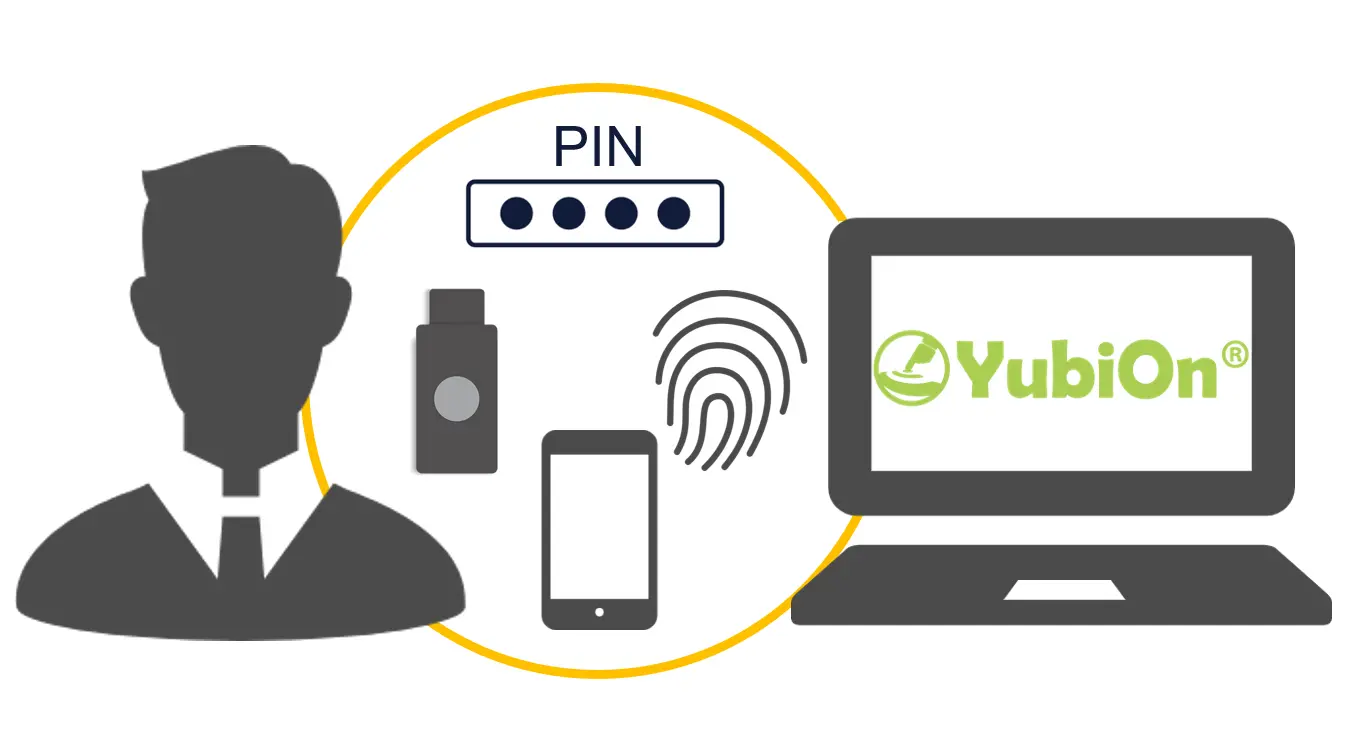
The PC is a gateway to information access that is vulnerable to unauthorized access. There is a risk of unauthorized access in an environment that can be easily spoofed.
YubiOnFIDO Logon uses FIDO authentication to ensure identity authentication and prevent information leakage. It is also recommended as a first step in zero-trust security.
Password-less and more convenient
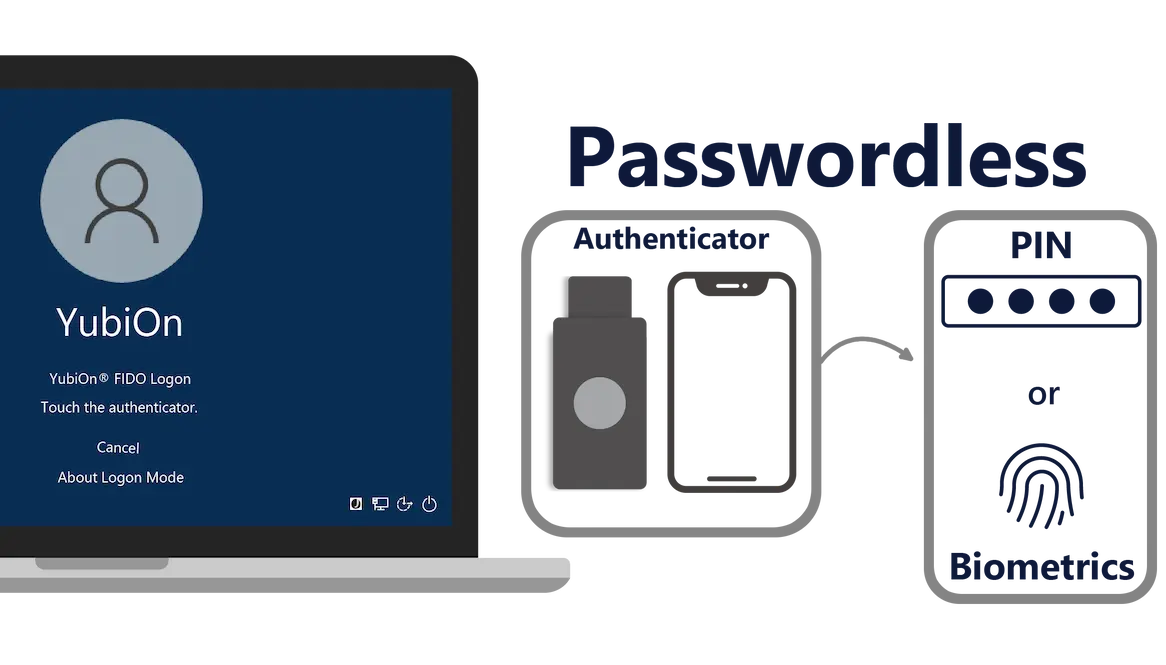
By replacing passwords with FIDO authentication, PC logon can be made passwordless.
Users are freed from the tedious task of entering and periodically changing passwords, and administrators can reduce the cost of password management tasks.
Trusted Authentication Server
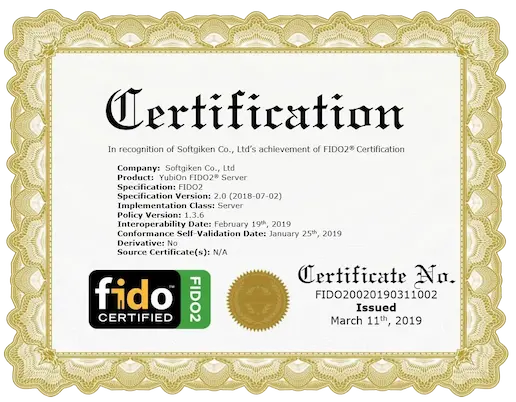
YubiOn FIDO Logon authentication uses the trusted FIDO2 Server, which is FIDO Alliance certified.
We joined the FIDO Alliance in 2015 and are currently a sponsoring member, and our development of 'YubiOn FIDO2® Server' has been FIDO2 certified in 2019.
YubiOn FIDO Logon Features
It has the following features.
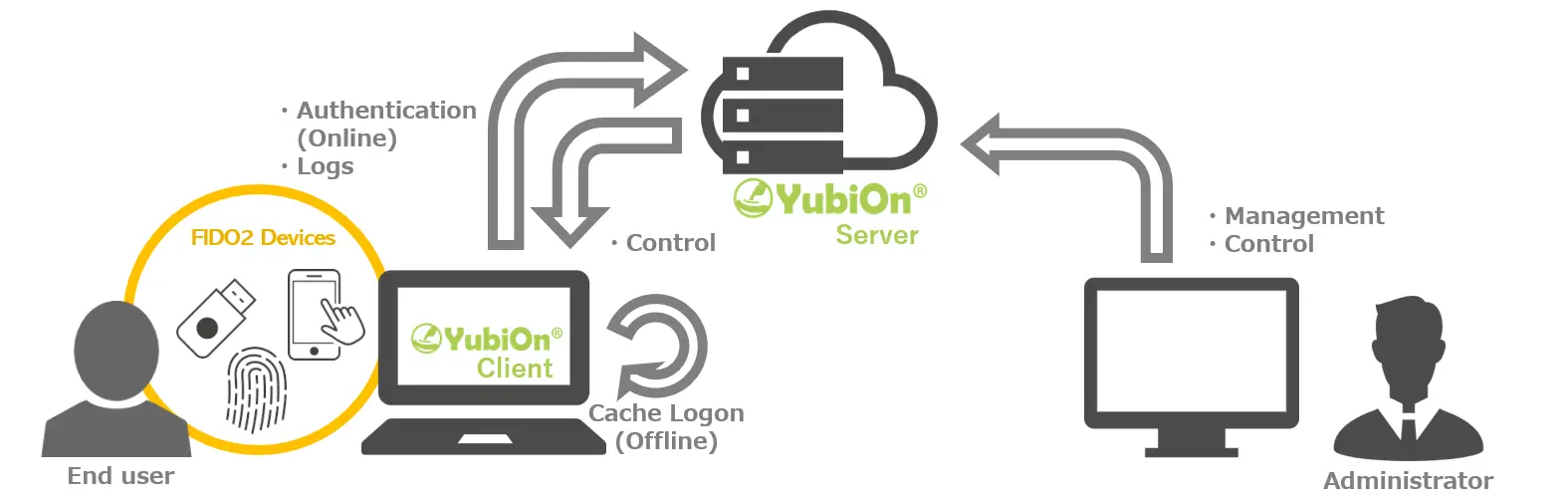
1.Easy to implement strong security
No server configuration is required for the cloud service. FIDO authentication can be applied to PC terminal logons with a simple software installation and initial setup, making it easy and speedy to introduce FIDO's strong security strength.
2.Support for a variety of devices
It supports various types of device authentication based on the FIDO2 specification, allowing you to freely select the authentication method. You can also use combinations that do not require passwords, such as 'PIN & Device' or 'Fingerprint & Device'. In addition, smartphones can be used as an external authenticator (passkeys), making it possible to reduce initial costs.
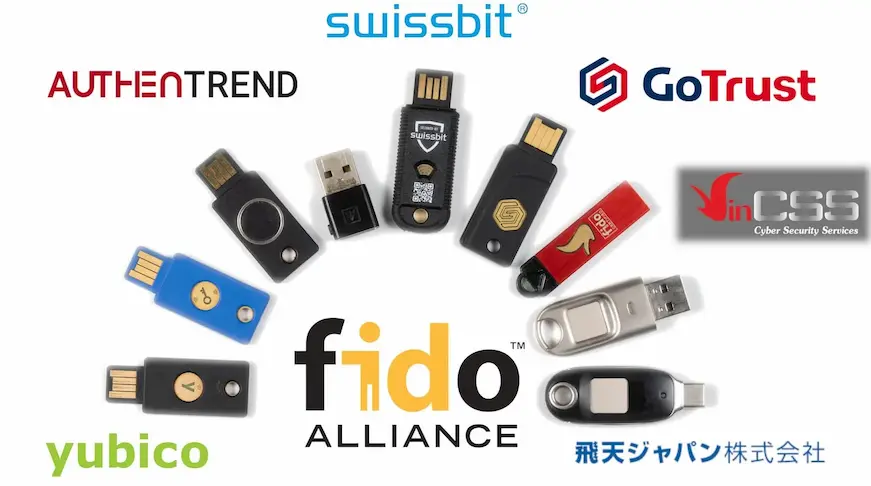
Confirmed to work with multiple authentication devices including YubiKey, IdemKey, ATKey, VinCSS, iShieldKey, etc.
3.Can be managed and controlled via web console
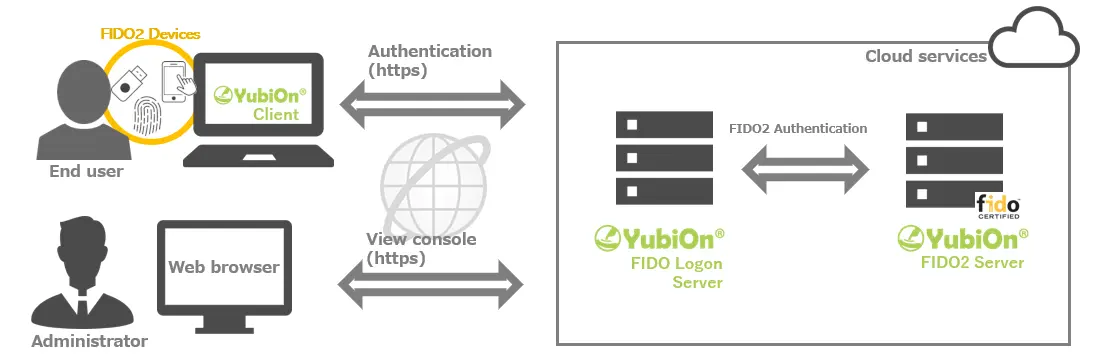
Administrators can check the status and authentication information of registered terminals at any time from the web console. Authentication logs can also be checked via the web, so that the situation can be immediately understood in case of an incident.
Usage scenarios
It can be used in a variety of situations where security is a concern.
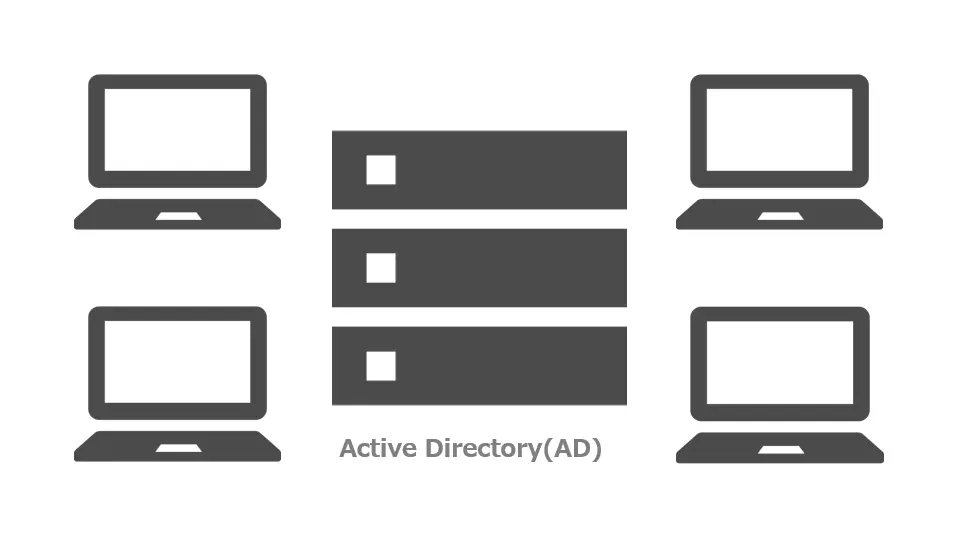
In an environment using Active Directory (AD)
Even if you want to introduce two-factor authentication to your PC terminal but do not want to change AD settings, or if Windows Hello is not available for the device you want to use, YubiOn FIDO Logon allows you to design security freely without being bound by AD settings.
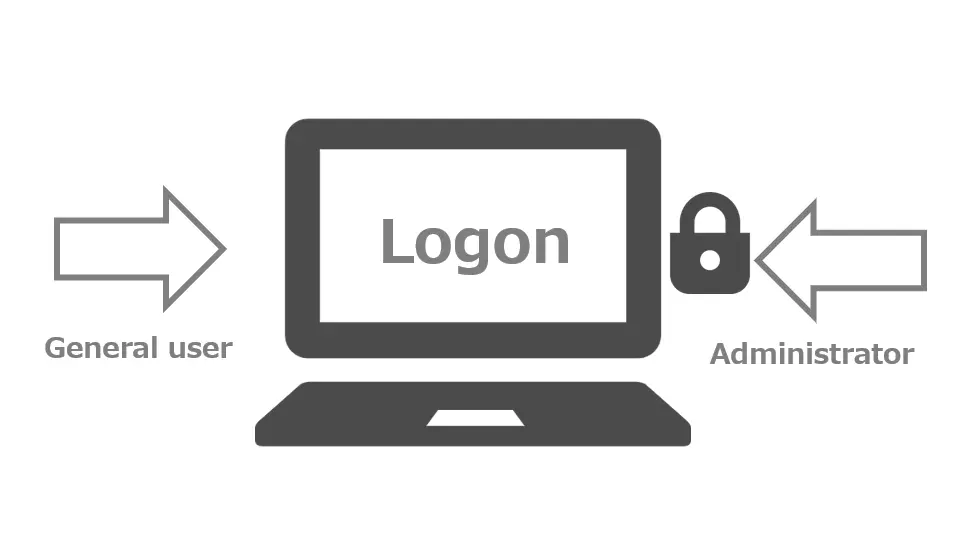
I want to use two-factor authentication only for specific accounts.
You can make detailed security settings for each account, such as setting only accounts with Administrator privileges to two-factor authentication.
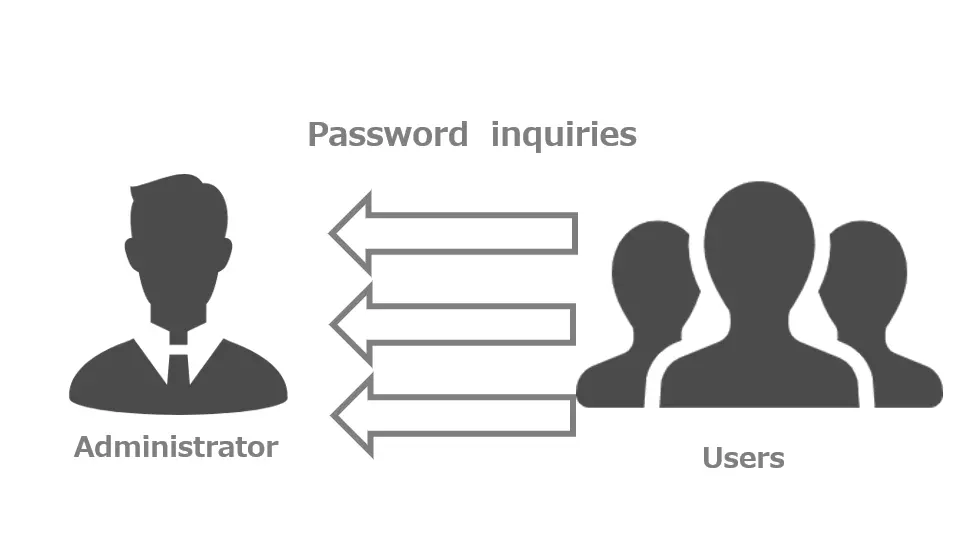
I want to reduce the number of forgotten password inquiries.
By using the password memorization function at the first time of setting up, you can eliminate the need to enter PC passwords in the future and reduce the number of forgotten password inquiries.
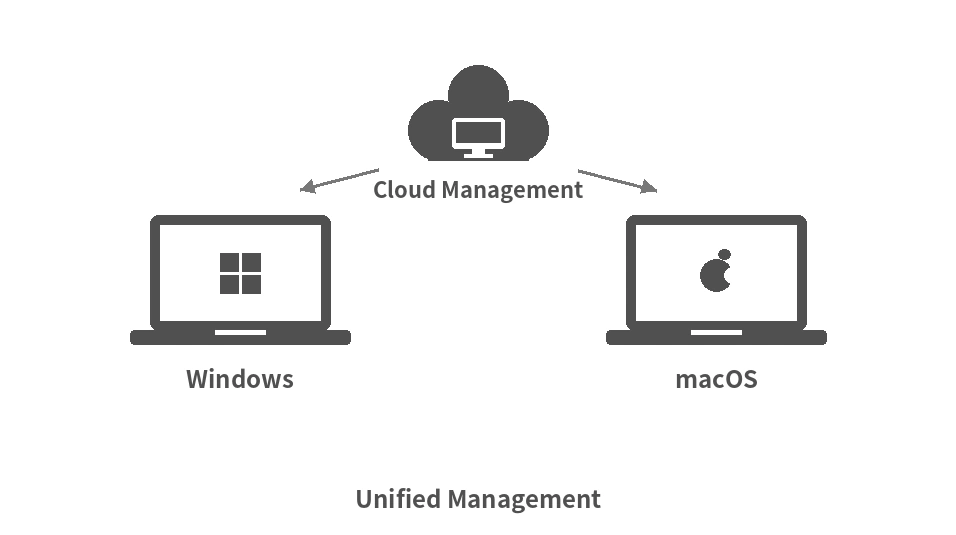
In mixed Windows and macOS environments
Even in environments where Windows and Mac devices coexist, security policies, authenticator registrations, and logs can be centrally managed from the web administration site. This eliminates operational silos between different operating systems and enables unified security management across the entire organization.
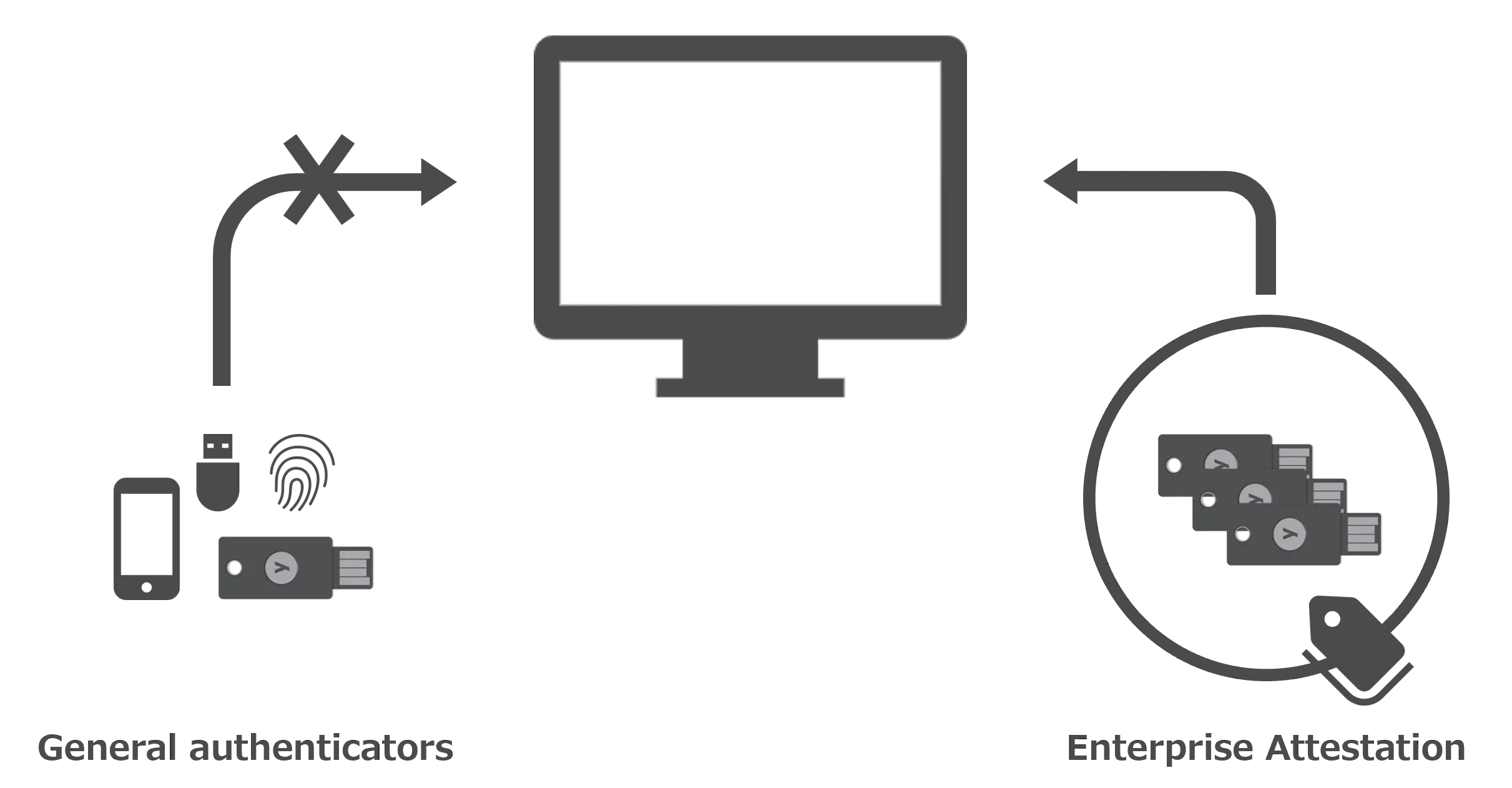
I want to allow users to use only the authenticators with a specific serial number.
By not allowing users to use general authenticators, but only “Enterprise authenticators” prepared by the administrator, stricter security can be enforced.
*Please contact us when you use “Enterprise Authenticator”.
Product Specifications
System configuration diagram
Operating environment
Windows
| CPU | 32-bit or 64-bit processor with 1GHz or higher | |
| Memory | 2GB or more | |
| Storage | 100MB or more free space | |
| Required middleware | .NET Framework 4.7.2 or later | |
| Supported OS |
Windows 11 Windows 10 Windows Server 2025 Windows Server 2022 Windows Server 2019 Windows Server 2016 |
*Support for detailed versions of Windows 10 and 11 will follow the Microsoft support lifecycle.
macOS
| Supported chip | Apple Silicon only (*Intel-based Macs are not supported) | |
| Recommended specs | Follows the recommended specifications of the OS. | |
| Supported OS |
macOS Golden Gate macOS Tahoe macOS Sequoia |
*The macOS version only supports Apple Silicon; Intel-based Macs are not supported.
Function
*1: Scheduled to be supported in a future update.
Introduction flow
The installation process is as follows. Please refer to the configuration guide for details.
*The FIDO key or smartphone is required for logon setup. Please prepare your own FIDO key or smartphone.You can purchase it here.
Customer Registration

Install

Download the installer and install the software on your terminal PC.
FIDO key registration
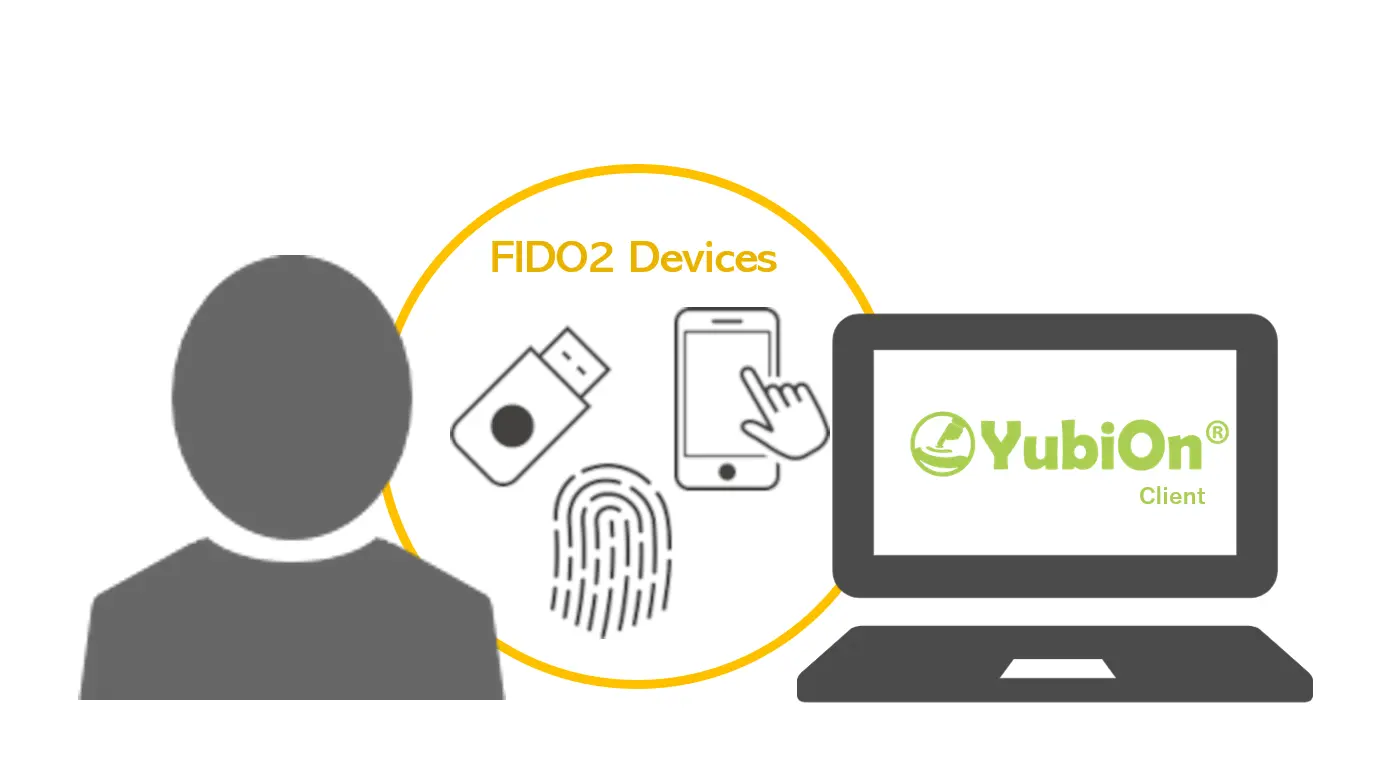
Start the configuration tool and register your FIDO key or smartphone.
Setup complete
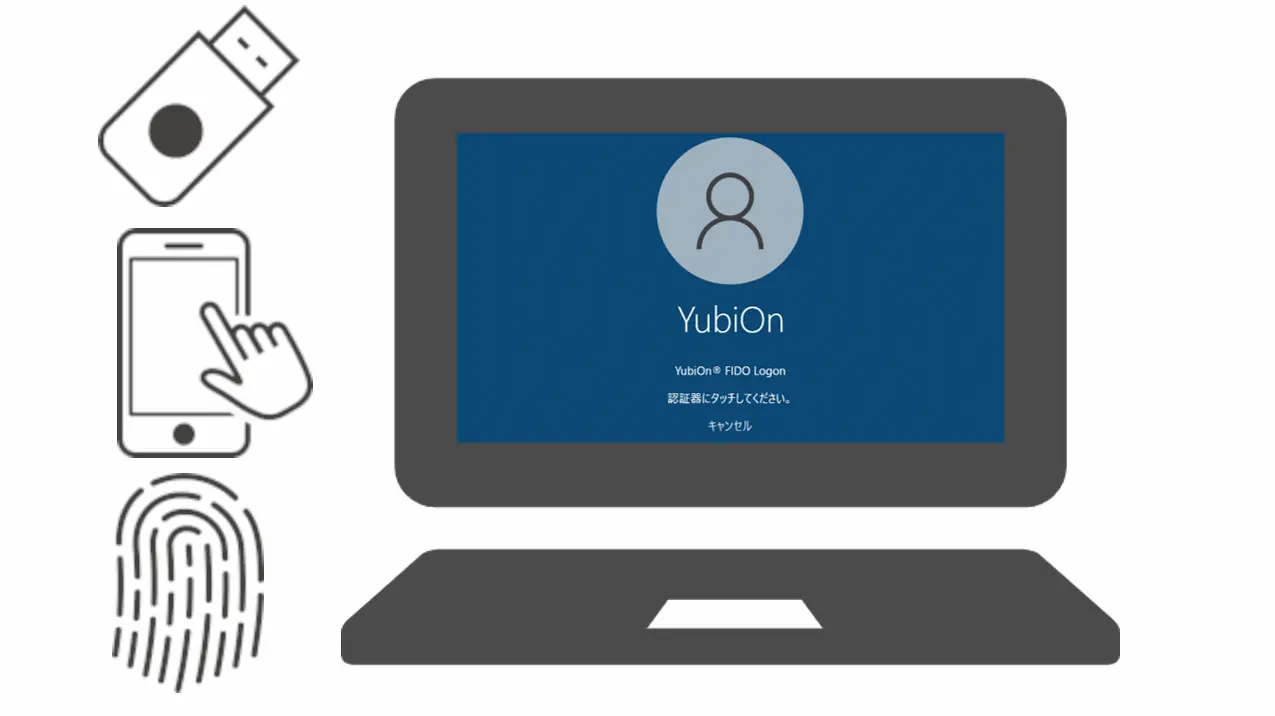
You will be able to log on to Windows or Mac*1 with the configured FIDO key or smartphone.
*1: Smartphone logon is currently supported on Windows only (scheduled to be supported for macOS in a future update).