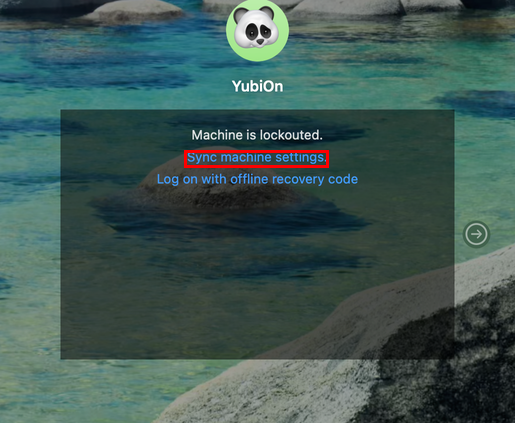
PC Lockout state
The feature that prevents logging on to a macOS device is called “PC lockout”.
The PC enters the “PC lockout” state either when an administrator manually locks it out, or when you fail to log on a certain number of times while “PC lockout” is enabled in your organization’s settings.
When in the “PC lockout” state, the logon screen or lock screen switches to a dedicated lockout display, and the password entry field is no longer shown.
You cannot log on to the Mac until an administrator releases the “PC lockout” state.
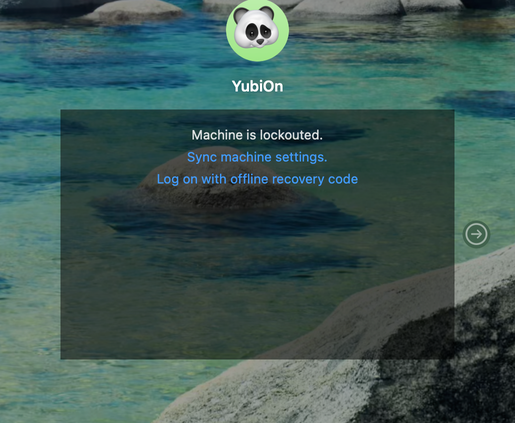
About automatically releasing the PC lockout after a certain time
If “Unlock after a certain amount of time” is set in your organization’s settings, the PC lockout is released automatically after a certain amount of time.
However, a PC lockout set manually by an administrator is not released automatically.
About manually retrieving settings
When an administrator releases the “PC lockout” state, the release setting is automatically retrieved by communicating with the server. You can also retrieve the release setting manually by clicking “Sync machine settings” on the lockout screen.
Make sure you are connected to the network when retrieving the setting.